You can add the booking & payment system on Flowclass to your existing page for easier management and improved functionalities.
Flowclass already provided you with the embedding code.

Access the Editor to get started and begin creating a site that's perfect for you and your needs.
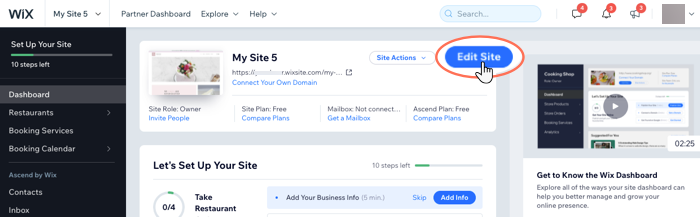
To open the Editor:
The Wix Editor contains hundreds of stunning, customizable elements that you can use to create your site. Choose from images, text, shapes, strips and more to create your site.
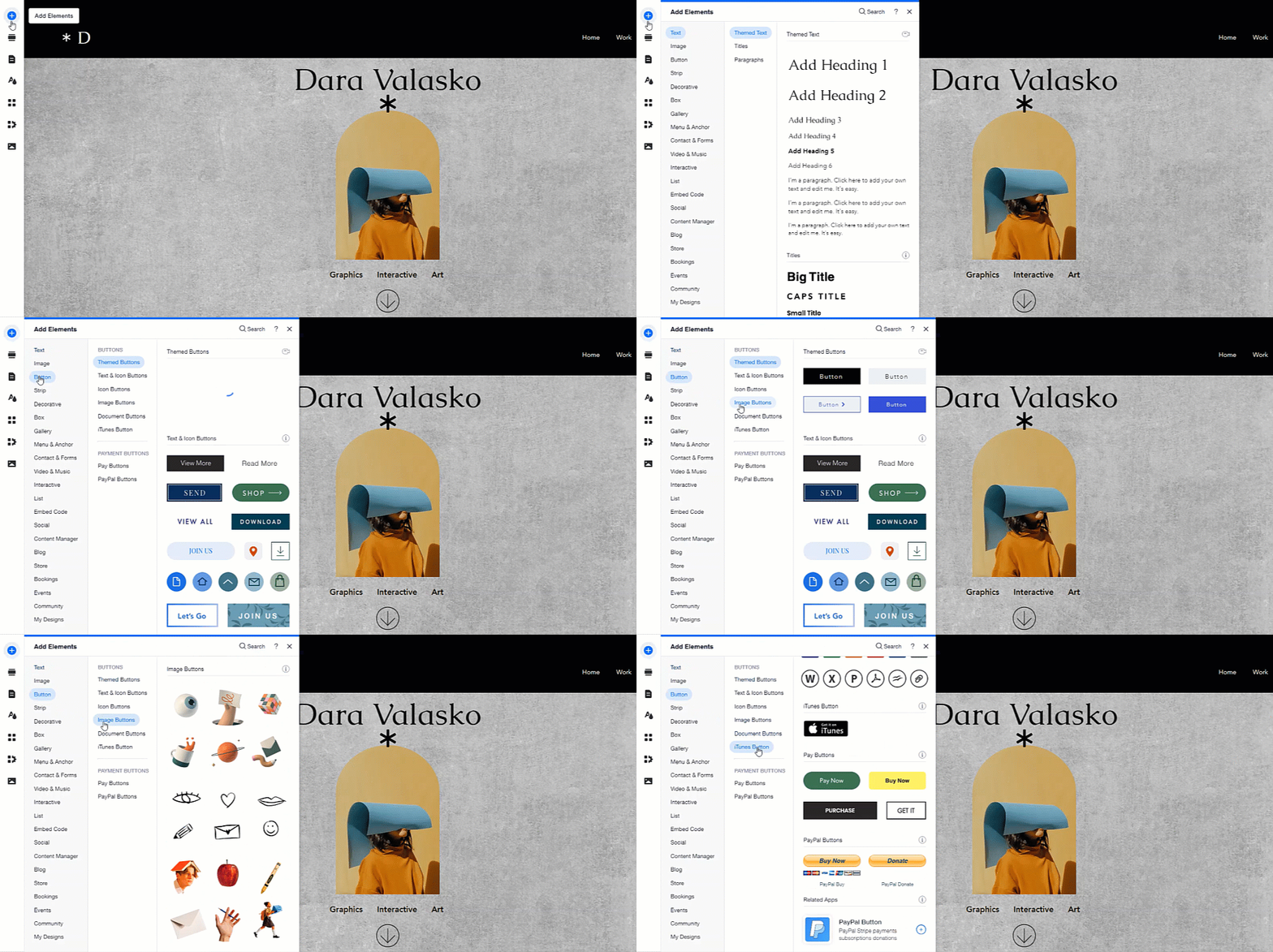
Click Add Elements
on the left side of the Editor to start adding elements.